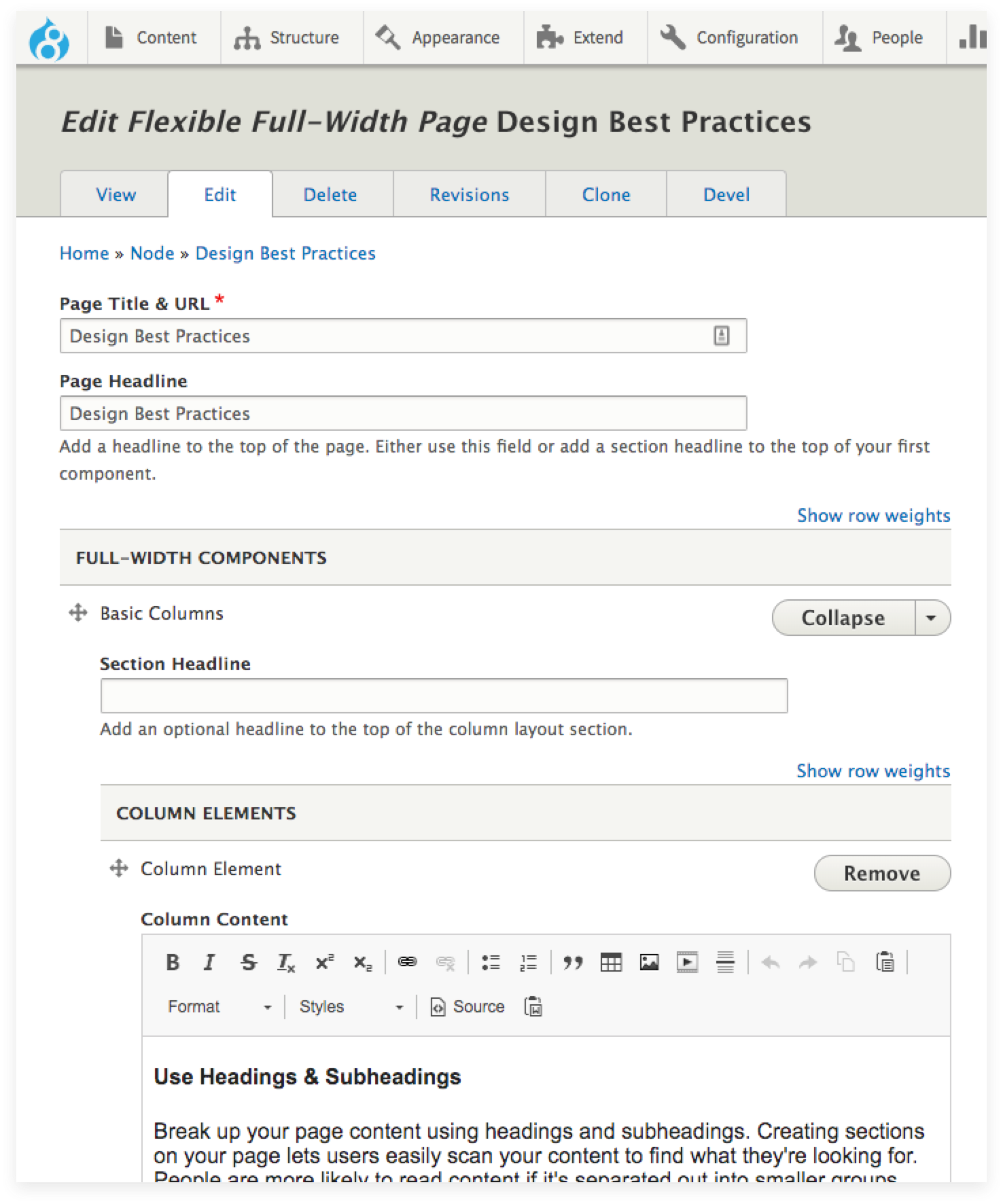
Break up your page content using headings and subheadings. Creating sections on your page lets users easily scan your content to find what they're looking for. People are more likely to read content if it's separated out into smaller groups. Paragraph breaks are also a great way to separate content. Four small paragraphs are easier to read than one large one.
Use Basic Columns
Look at your paragraph content. Do you have three main points you're highlighting? Are there two different actions a user could take? Try using the Basic Columns component to create two or three side-by-side columns that will visually demonstrate different main points or options. Keep the length of content in each column similar.
Structure Content Around Components
Think of how you can re-organize your content to better fit existing components. This can mean reducing the amount of words in your page, creating more content groupings, and changing complete sentences into short phrases that set up important links. The more components you use, the more designed the page will look.
Make actions a visual focal point
Use buttons, cards and arrow links
Whenever possible, do not hide important actions inside of paragraphs. This is a missed design opportunity and makes the action harder for users to find and click on.
Add descriptions to links
Set up important actions on the page with teasers that entice users to click or tap. Interest users in exploring further, but avoid lengthy marketing/mission copy.
Keep link texts as actions
To help your links stand out, use action phrases. Instead of Academies, use the link text and style below.
Use progressive information disclosure. Begin with the conclusion or the most important information and follow with supporting details. This allows the user to get to the point first and then dig deeper for more details if they choose.
Avoid marketing-speak & jargon
Favor useful information over marketing-speak. Web users tend to bypass marketing speak. Appeals to emotion can be made without sacrificing useful information. Show, don’t tell. Use common language. Avoid jargon or clever language that obscures meaning, as it may cause confusion. Clarity should take priority.
Make sure links are clear
Avoid using “click here,” internal jargon, or marketing speak for link text or navigation labels.
Use the 5 second rule
An average page view is 4.6 seconds. Within 5 seconds of looking at your page, a user should be able to understand what content is on the page and what main actions or next steps they should take.